
When'd I
When did I last do that?
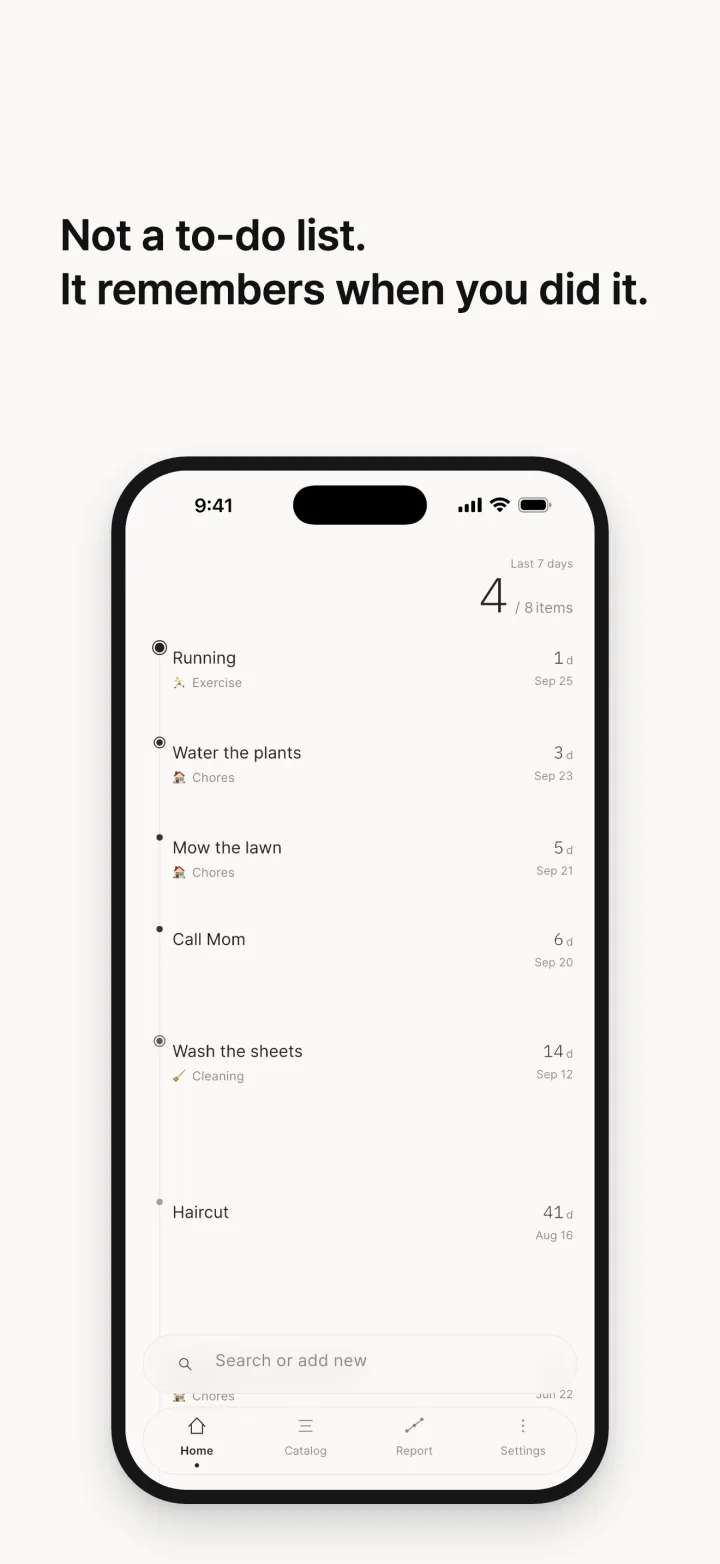
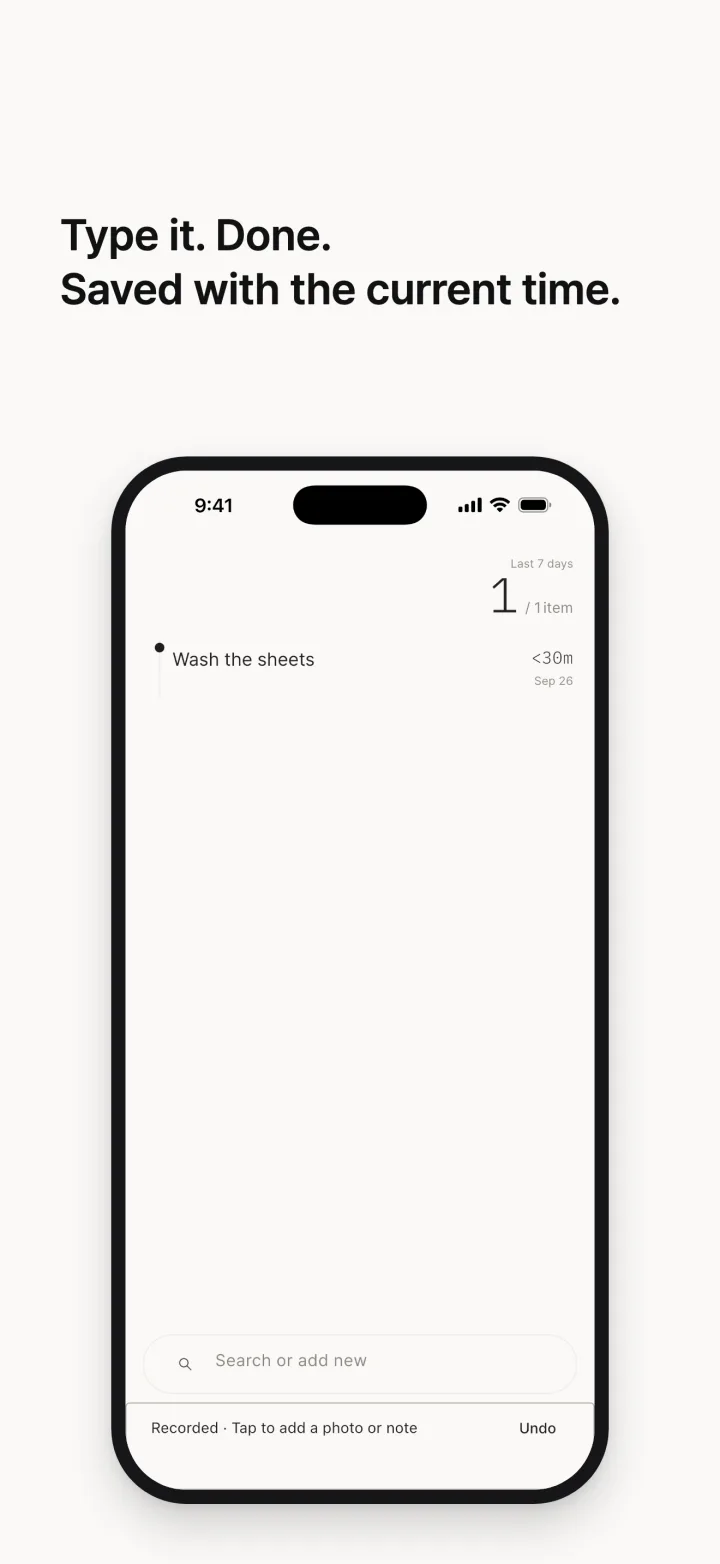
Stop managing to-dos. Just remember when you last did it. The sheets, the water filter, a call to your parents — tap once and it's logged as today. No goals, no checklists, no nagging.


Features
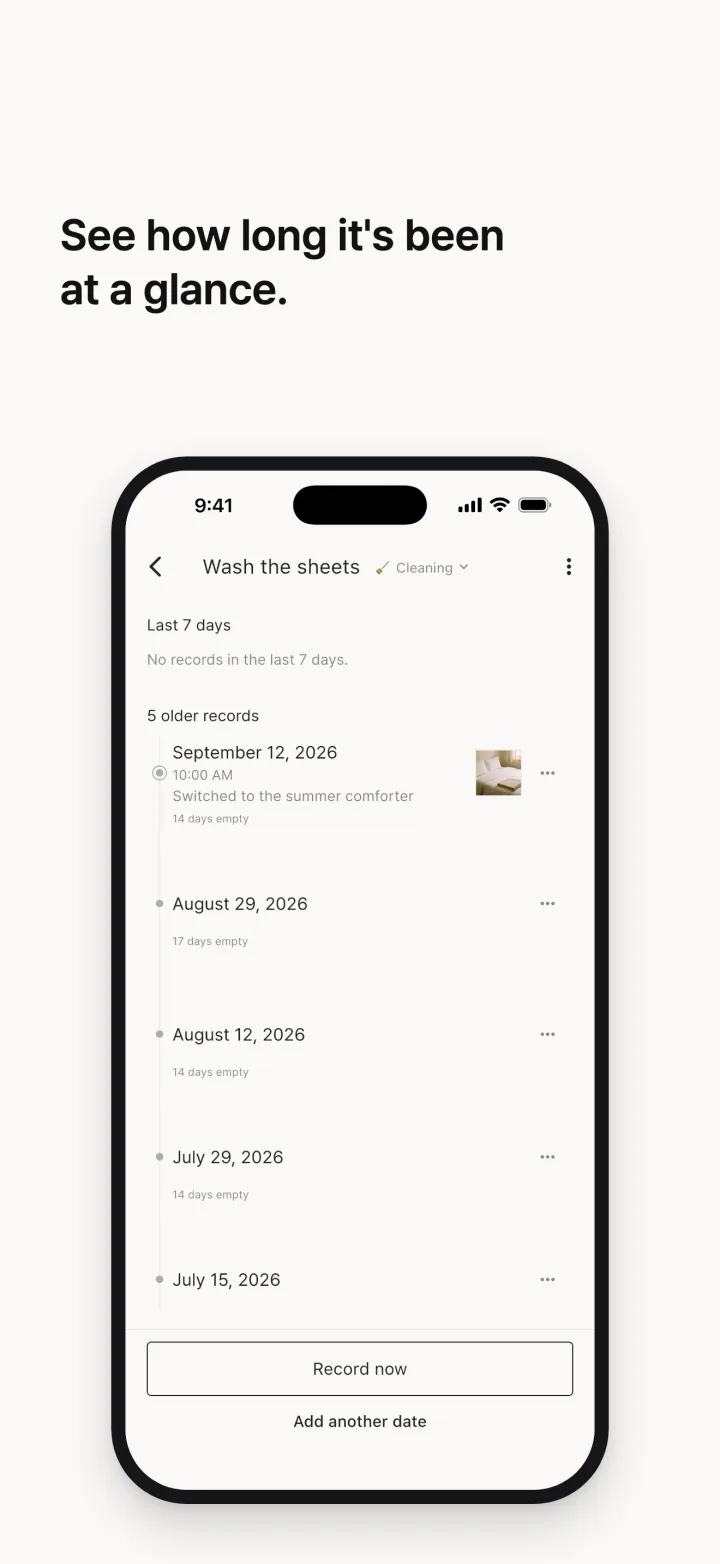
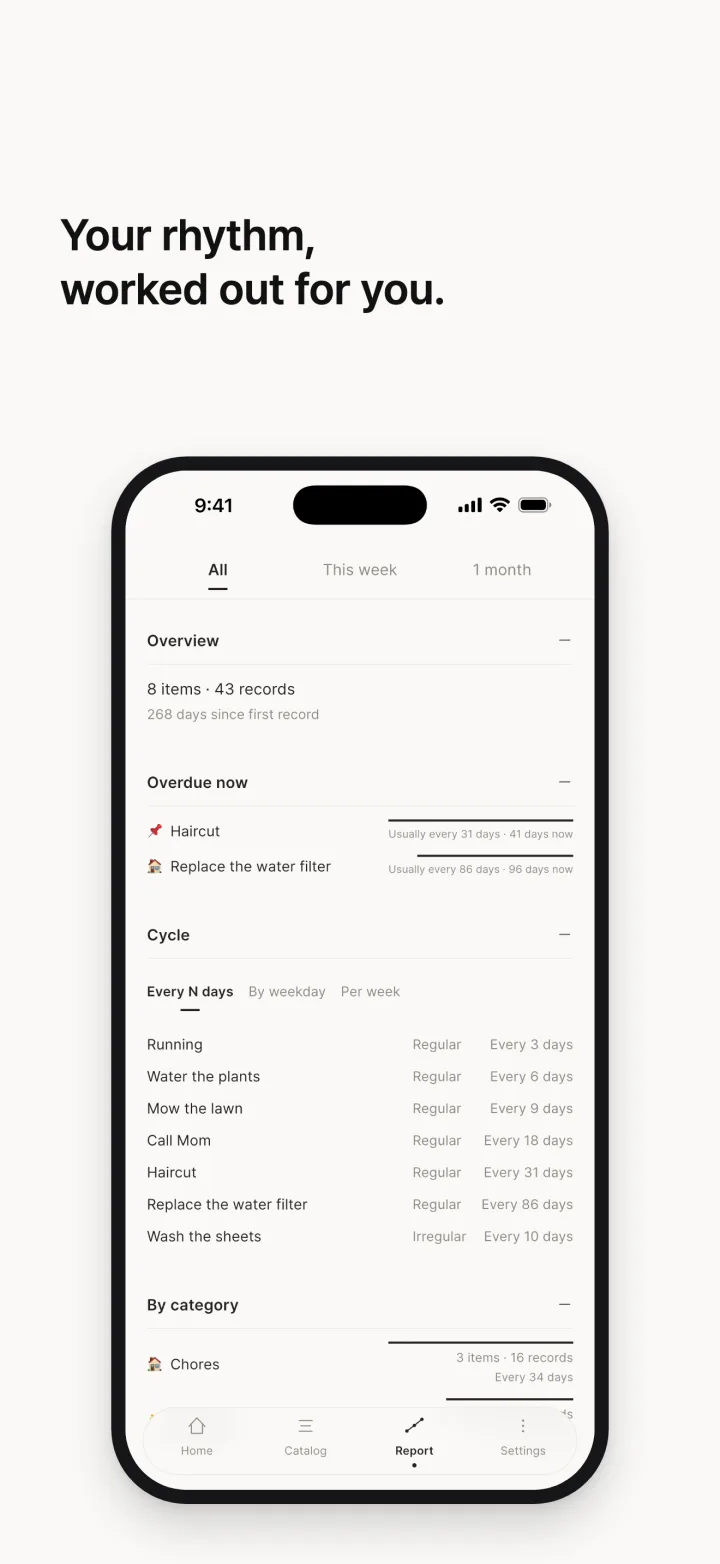
- Days sinceEvery item shows how long it has been since you last did it
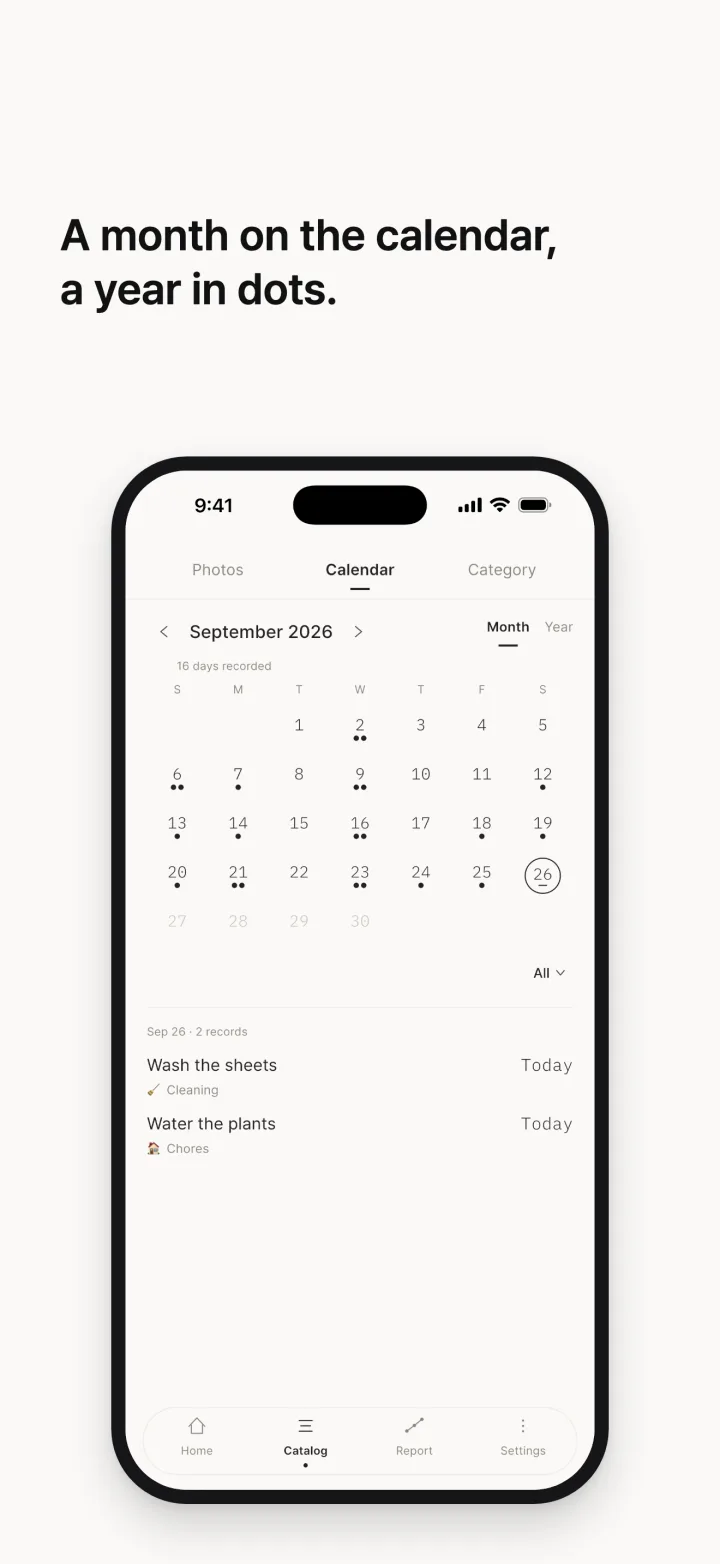
- Distance means timeThe space between dots is the real gap between dates
- Widgets and Lock ScreenLog from the Home or Lock Screen without opening the app
Video
Screens
Purchases
Paid · buy once · no in-app purchases, subscriptions, or ads. Buy once and everything is unlocked.
Support
Contact
Bug reports, feature requests, and anything else are welcome by email. Replies usually take a few days.
- Email: ih0995132@gmail.com
Including your device model and the app version (at the bottom of the Settings screen) helps a lot.
Frequently asked questions
My records disappeared
Deleting and reinstalling the app removes the data stored on the device. If the automatic iCloud copy was enabled, the app shows a "We found your earlier records" prompt on next launch — tap restore and your records, notes, and photos come back. If you do not see the prompt, you can restore manually from Settings → Backup.
I am switching phones
Create a backup file from Settings → Backup before you switch, then import it from the same screen on the new device. On iOS, signing in with the same Apple Account can also restore from the iCloud copy automatically.
I am not getting notifications
The end-of-day reminder is off by default. Turn it on and pick a time in Settings. If it is on but nothing arrives, check that notifications are allowed for this app in system settings, and that a Focus or battery-saving mode is not suppressing them.
I want to record from the Lock Screen
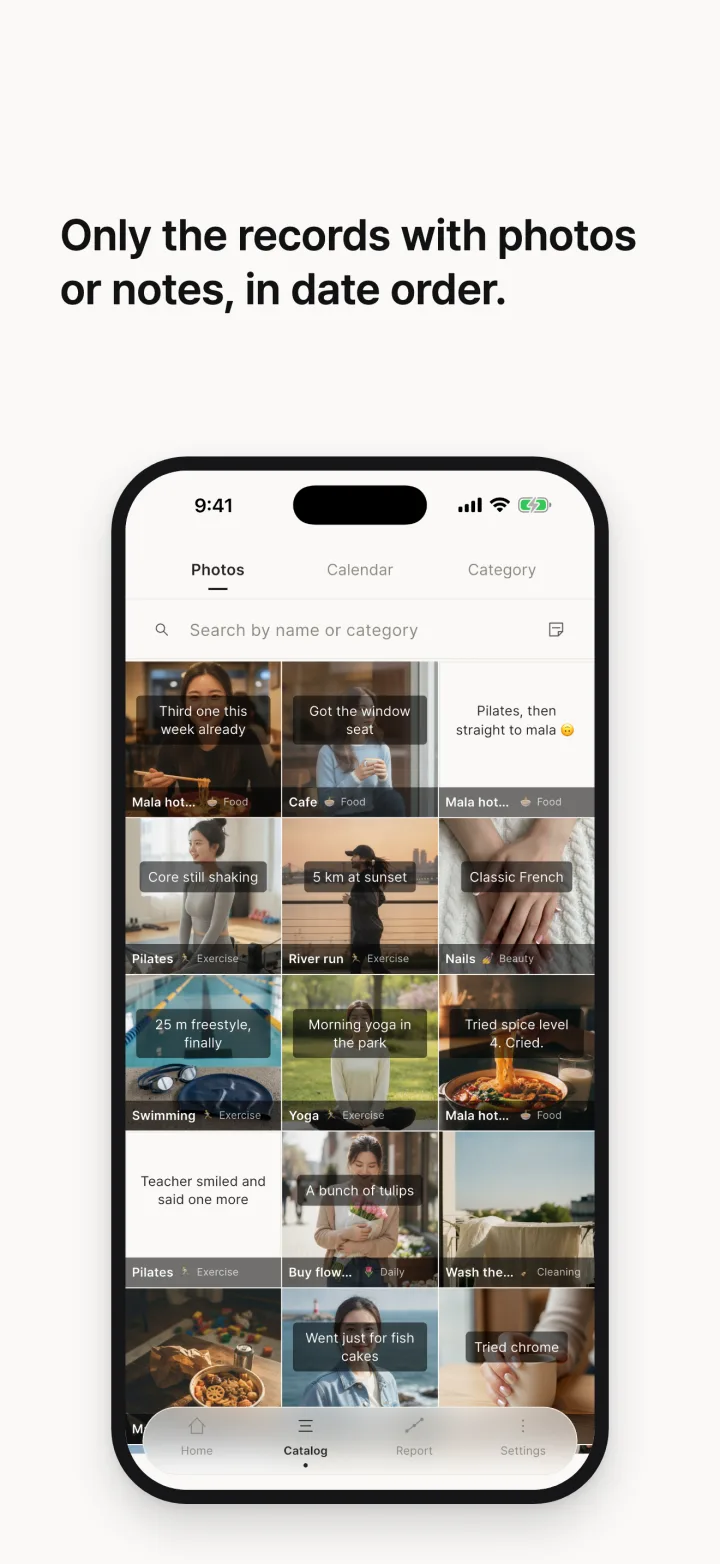
This works on iOS 16.4 and later. Long-press the Lock Screen → Customise → Lock Screen → the widget slot under the clock → pick Shortcuts, then choose "Record today". On iOS 17 and later that shortcut is already there, so you do not need to create one. The app's settings screen has the same steps.
My photos are missing
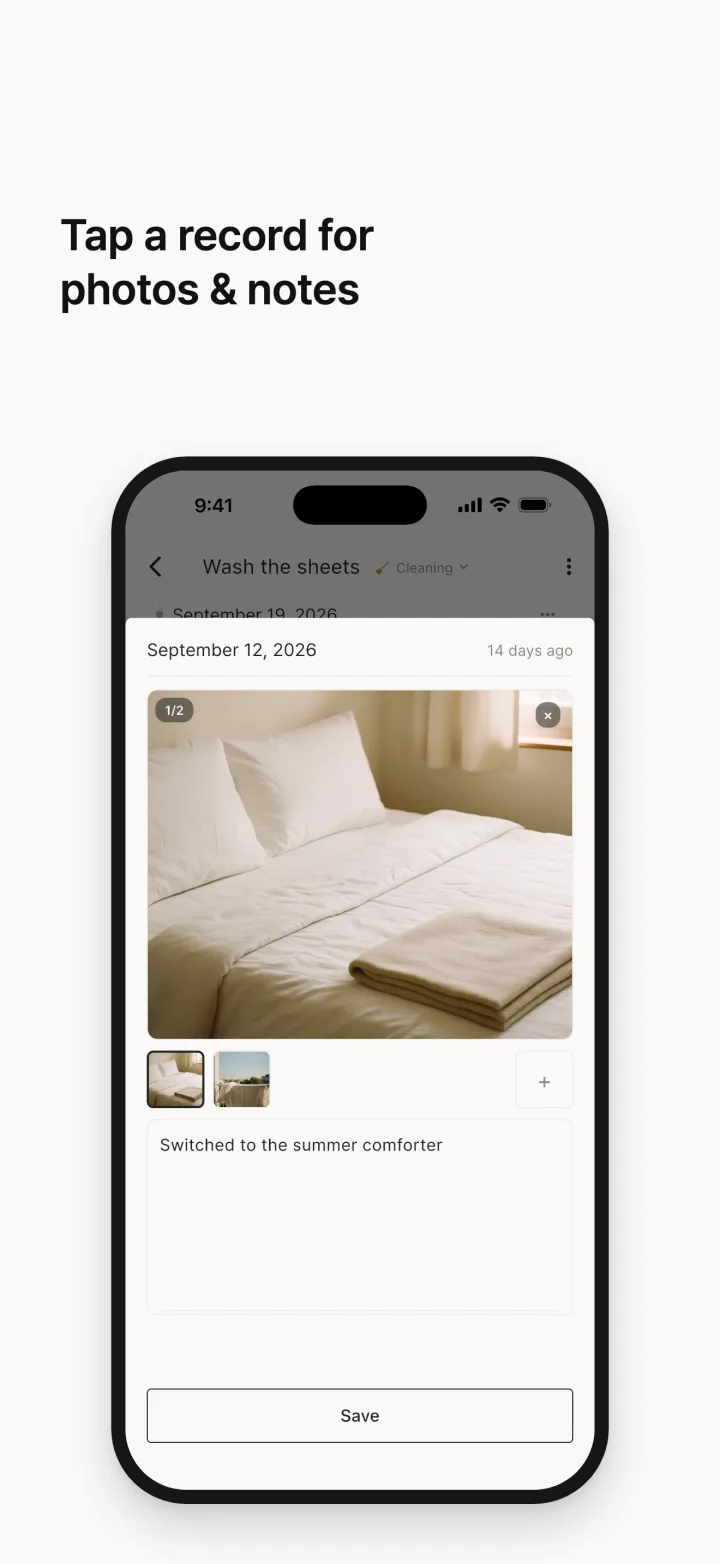
Deleting the app also deletes the photos kept inside it. On iPhone and iPad, if Save to iCloud automatically was on, Settings → Backup & restore → Restore from iCloud brings your records and photos back together. Photos you took with the camera in the app stay in the 언제했지 album in Photos. Backup files do not contain photos.
Is it paid?
Yes. It is a one-time purchase: buy once and everything is unlocked — no in-app purchases, no subscriptions, no ads. Refunds follow the policy of the store you bought it from (App Store or Google Play).
Can the developer see my records?
No. The app has no server and no account, and records stay on your device. See the privacy policy for details.
Related
Made by
- Aslla Soft
- Business registration number: 840-02-04238
- Email: ih0995132@gmail.com